
Tracing one Sinabuy order start to finish
Sinabuy's own beginner guide splits an order into three phases: buying, shipping, and a smaller personalised-products track. We keep that structure and add a fourth stage, what happens after the parcel lands, because that is where most first-time questions come from.
Buy items
You can hand Sinabuy a product link, a shop link, or a product name and let staff search for it. The search bar on the live site shows Taobao and 1688 icons specifically, and automatic link crawling covers exactly four marketplaces: Tmall, Taobao, 1688 and JD.com. For anything else, there is a separate “Fill & Buy” form where you type in the details by hand.
- Select the item. Paste a link or search, then pick the size, colour and any other options the listing offers.
- Submit the order. This books the item into your account before it is paid for.
- Pay for the item. Payment draws from your Sinabuy wallet, which you top up separately (see the costs page for the fee on that step).
- Sinabuy purchases it. Staff place the order with the seller on your behalf.
- Inspection and storage. The item arrives at the warehouse, gets the appearance-only quality check described on the quality-check page, and sits in storage until you are ready to ship it.
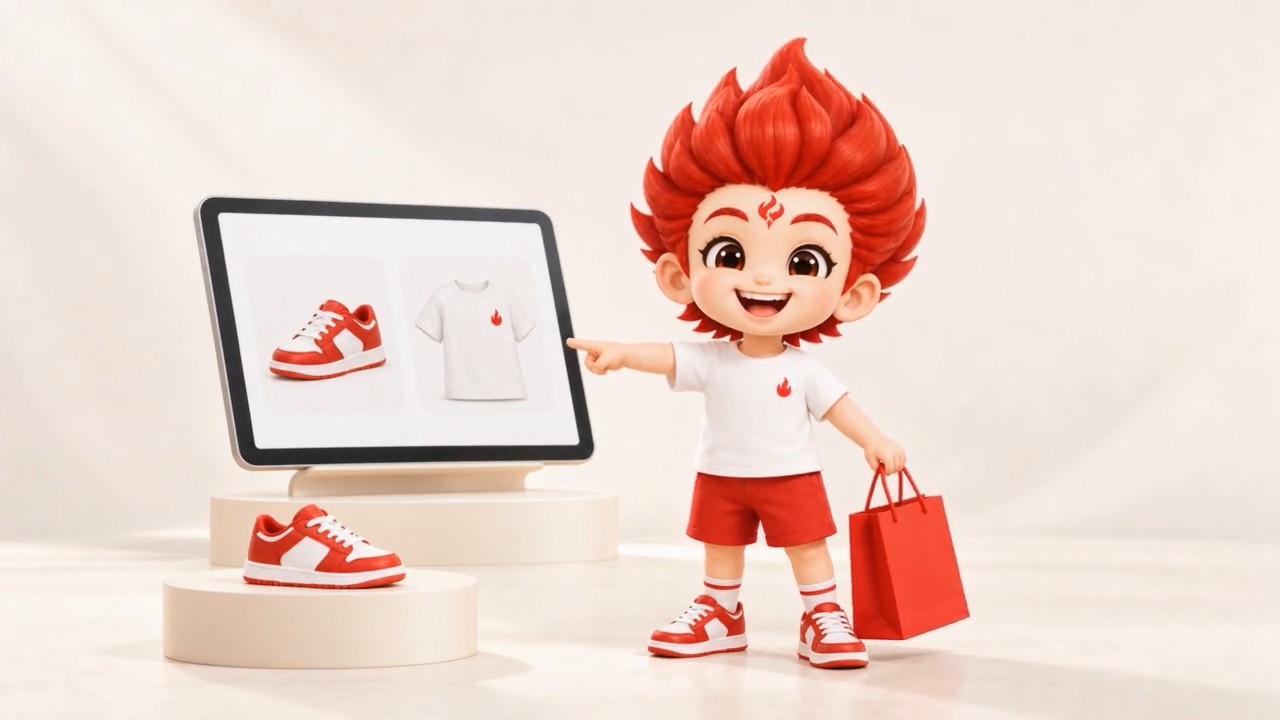
Official five-second animation of the Choose & Pay step, Sinabuy's own site, captured 2026-10-22. It is short enough to watch before you place a first order.
Ship the parcel
Once one or more items are sitting in the warehouse, the second phase consolidates them into a single outbound parcel.
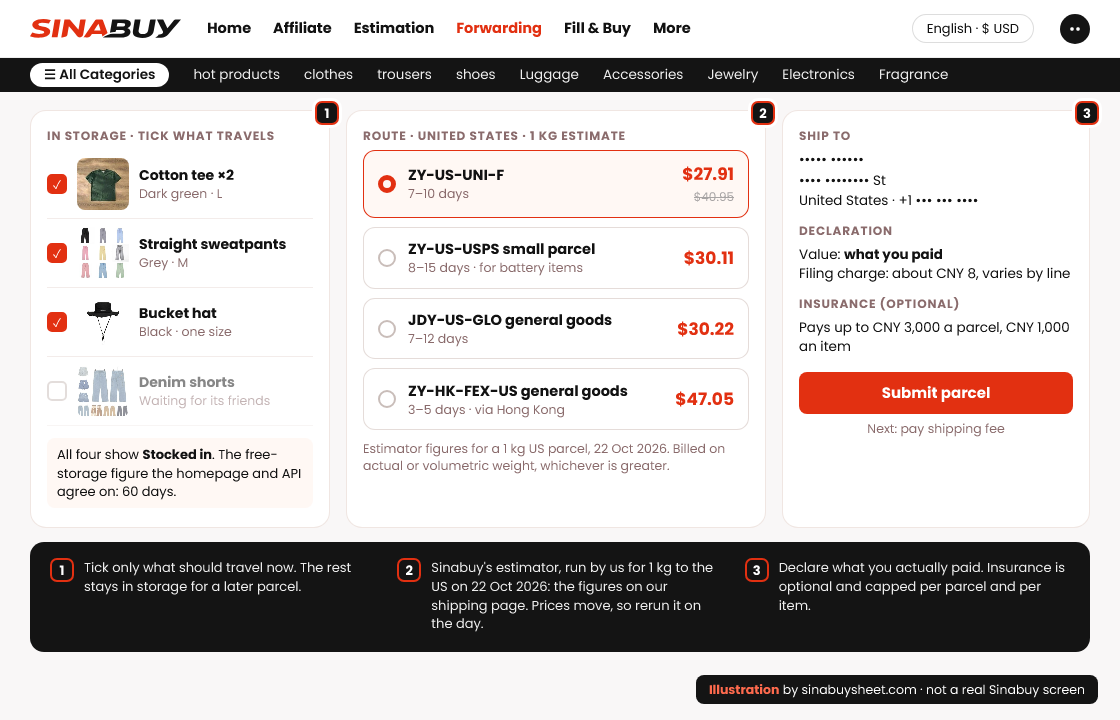
- Consolidate stored items. Choose which items in storage go into the same outbound parcel; combining several items this way is how Sinabuy's own site frames paying less per item on shipping.
- Choose a route. The shipping page on this site walks through how the twenty-three US routes we captured compare on price and transit time.
- Follow the parcel to delivery. Tracking numbers and status updates live in your account once the parcel ships.
Personalised products
Sinabuy's guide lists a third, smaller track for made-to-order or personalised goods, kept separate from the standard buy-and-ship flow because production and QC timing differ. We have not been able to verify specific timelines for this track beyond what the guide states, so if you are ordering something personalised, confirm the turnaround with support before you pay.
After the parcel lands
Receipt and the window afterward matter as much as the three phases above. Add insurance and a parcel tops out at three thousand CNY in payout, with any single item inside it capped at one thousand CNY. Once the Stocked in status lands, which is roughly a week after the seller ships, you have five days to open a return or exchange request, and seller-specific rules apply on top of that window. Free-shipping items still make you cover return shipping and a service fee, and a second return within the same month adds an extra charge.
Full detail on inspection scope and the return window is on the quality-check page; the fee side is on the costs page.
Official guide video, 1 minute 40 seconds
Sinabuy hosts its own order walkthrough rather than linking to YouTube. It mixes the mascot narrating each stage with on-screen mockups of the account, inspection and tracking screens; Sinabuy labels these as an illustrative workflow and sample screens, not a recording of a real account, and we are describing it the same way here rather than treating it as a live screen capture.
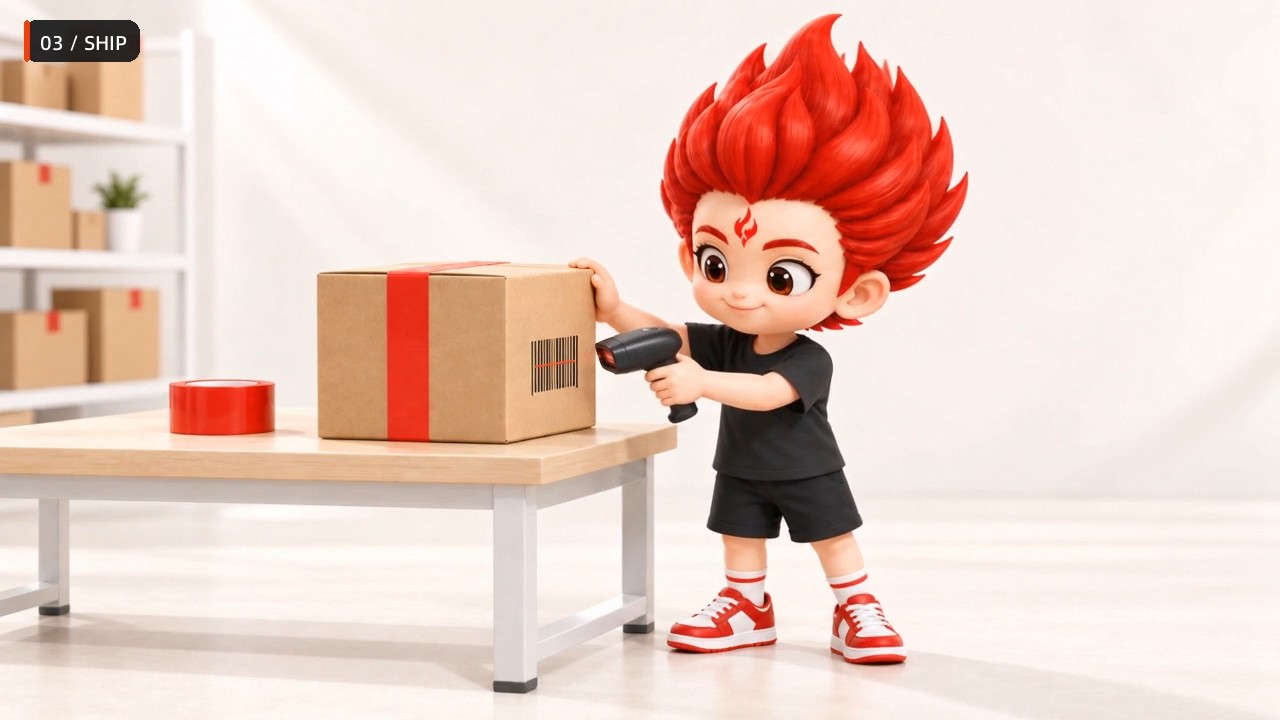
Official self-hosted guide video, 1:40, last modified 2026-09-22 per the file server. We watched it in full before publishing this guide; nothing in it needed cutting.
Start your first order
Registration is a short form plus an email verification code; there is no referral code built into this link.